
Introduction
Excel is a part of daily life now. So, most offices, schools, and homes use it every day. Because of this, knowing the Most Common Excel Formula can help you a lot. In fact, it can help you work faster. It can also help you work with fewer mistakes.
At Green Field Computer Academy, we teach this to every student. First, we explain each formula in simple words. Then, we show real examples. So, this blog also follows the same style. Here, you will learn the Most Common Excel Formula step by step.
What is an Excel Formula?
An Excel formula is simple. It does math for you. Also, every formula starts with an equal sign (=). So, once you type it, Excel gives the result right away. Because of this, the Most Common Excel Formula can save real time. For example, you can add numbers, find averages, or check dates in seconds. That is why Green Field Computer Academy always starts training with these basic formulas.
Why Should You Learn the Most Common Excel Formula?
There are many reasons to learn this. Below, you can see the top benefits, as taught at Green Field Computer Academy:
- Saves time on repetitive work
- Reduces manual mistakes
- Improves daily efficiency
- Helps in clear data analysis
- Makes reports look professional
- Useful in almost every office job
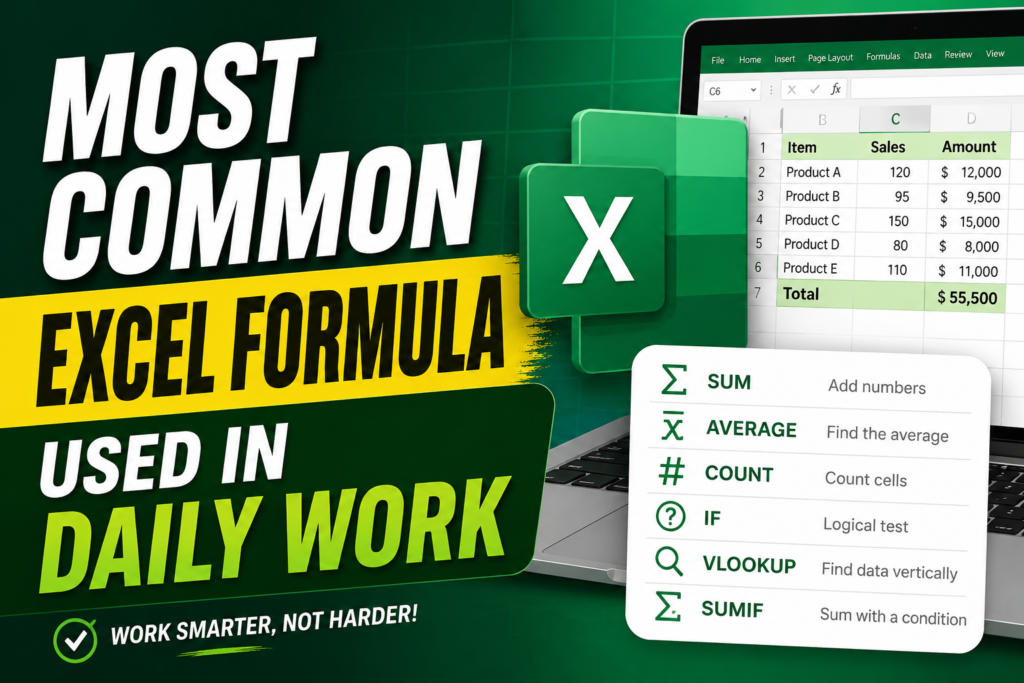
Table: Most Common Excel Formula Used in Daily Work
Here is a quick table. Green Field Computer Academy made this list for beginners. So, use it as a fast reference guide.
| Formula | Purpose | Example |
| SUM | Adds numbers | =SUM(A1:A10) |
| AVERAGE | Finds average | =AVERAGE(A1:A10) |
| COUNT | Counts cells with numbers | =COUNT(A1:A10) |
| COUNTA | Counts non-empty cells | =COUNTA(A1:A10) |
| MAX | Finds highest value | =MAX(A1:A10) |
| MIN | Finds lowest value | =MIN(A1:A10) |
| IF | Performs logical test | =IF(A1>50,”Pass”,”Fail”) |
| VLOOKUP | Finds data vertically | =VLOOKUP(A2,B:D,2,FALSE) |
| HLOOKUP | Finds data horizontally | =HLOOKUP(A1,B1:F5,3,FALSE) |
| CONCAT | Joins text | =CONCAT(A1,” “,B1) |
| LEFT | Extracts left characters | =LEFT(A1,4) |
| RIGHT | Extracts right characters | =RIGHT(A1,3) |
| LEN | Counts text length | =LEN(A1) |
| TODAY | Shows today’s date | =TODAY() |
| NOW | Shows current date & time | =NOW() |
1. SUM Formula
SUM is the top pick among the Most Common Excel Formula. Simply put, it adds numbers fast.
Example: =SUM(A1:A10)
For example, Green Field Computer Academy trainers use SUM for:
- Monthly sales totals
- Employee salary totals
- Expense reports
- Student mark totals
2. AVERAGE Formula
This formula finds the average value. So, it is another key part of the Most Common Excel Formula list. Also, people use it every day.
Example: =AVERAGE(B1:B10)
3. IF Formula
The IF formula checks a condition first. Then, it gives one result or another. Because of this, it stands out among the Most Common Excel Formula choices.
Example: =IF(C2>=50,”Pass”,”Fail”)
- Pass or Fail results
- Bonus calculation
- Attendance status
4. COUNT Formula
COUNT counts cells with numbers only. So, it remains one of the Most Common Excel Formula picks for quick reports.
Example: =COUNT(A1:A20)
- Counting entries
- Building reports
- Data analysis
5. COUNTA Formula
COUNTA counts all filled cells, even text. Because of this, it helps with names, IDs, and lists. Green Field Computer Academy teaches this formula early.
Example: =COUNTA(A1:A20)
6. MAX Formula
MAX finds the highest number in a range. So, sales teams use this often. In fact, it is one of the Most Common Excel Formula tools for tracking top results.
Example: =MAX(A1:A20)
- Highest sales
- Highest marks
- Maximum profit
7. MIN Formula
MIN finds the smallest number. Likewise, it pairs well with MAX. Together, both remain part of the Most Common Excel Formula toolkit.
Example: =MIN(A1:A20)
- Lowest sales
- Minimum temperature
- Lowest expenses
8. VLOOKUP Formula
VLOOKUP is a favorite in offices. So, it ranks high among the Most Common Excel Formula list. Basically, it looks in one column. Then, it pulls matching data from another column.
Example: =VLOOKUP(A2,B2:D20,2,FALSE)
- Employee records
- Product prices
- Customer information
9. CONCAT Formula
CONCAT joins text from two or more cells. Because of this, Green Field Computer Academy trainers rank it among the Most Common Excel Formula for clean data sheets.
Example: =CONCAT(A2,” “,B2)
- Full names
- Addresses
- Product descriptions
10. TODAY Formula
TODAY shows the current date. Also, it updates on its own. This completes our list of the Most Common Excel Formula in this guide.
Example: =TODAY()
- Attendance sheets
- Reports
- Invoice dates
Table: Best Excel Formula for Different Jobs
Different jobs need different tools. So, Green Field Computer Academy made this table. Use it to find the Most Common Excel Formula for your role.
| Profession | Most Useful Formula |
| Accountant | SUM, IF, VLOOKUP |
| HR Executive | IF, COUNTA, TODAY |
| Sales Executive | SUM, MAX, AVERAGE |
| Data Analyst | VLOOKUP, COUNT, IF |
| Student | SUM, AVERAGE, MAX |
| Teacher | IF, AVERAGE, COUNT |
Tips to Learn the Most Common Excel Formula Faster
Learning gets easier with the right steps. So, here are some tips from Green Field Computer Academy trainers:
- Practice every day
- Create small Excel projects
- Learn one formula at a time
- Use sample datasets
- Memorize the syntax
- Apply formulas in real-life tasks
Common Mistakes While Using Excel Formulas
Beginners often slip up in a few places. So, watch out for these common mistakes:
- Forgetting the “=” sign
- Using wrong cell references
- Missing brackets
- Using the wrong formula
- Not checking the data format
So, avoid these mistakes. Then, you can use the Most Common Excel Formula with full confidence.
Conclusion
In short, the Most Common Excel Formula can change how you work. Whether you are new or experienced, these formulas save time. They also cut errors and boost your output. So, start practicing today with Green Field Computer Academy. Soon, you will see real progress in your daily work.
Frequently Asked Questions (FAQs)
1. What is the Most Common Excel Formula?
It includes SUM, IF, AVERAGE, COUNT, MAX, MIN, and VLOOKUP. So, Green Field Computer Academy teaches these first, since offices use them every day.
2. Which Excel formula is used the most?
SUM wins this spot. Simply put, it adds numbers fast from many cells.
3. Why is the IF formula important?
In short, IF checks a condition first. Then, it gives one result if true, and another if false.
4. Is VLOOKUP still useful?
Yes, it still is. Although newer tools like XLOOKUP now exist, many offices still trust VLOOKUP as one of the Most Common Excel Formula picks.
5. Can beginners learn Excel formulas easily?
Yes, of course. Just practice small examples daily. Also, guidance from Green Field Computer Academy makes it even easier.
6. Which Excel formula should I learn first?
First, start with SUM, AVERAGE, COUNT, IF, MAX, and MIN. Then, move on to VLOOKUP and INDEX-MATCH.
7. How long does it take to learn the Most Common Excel Formula?
With daily practice of 30 to 60 minutes, most beginners feel confident within a few weeks. Especially with hands-on training from Green Field Computer Academy, progress comes even faster.
Green Field Computer Academy — Your Trusted Partner for Practical Excel Training
If you need more information you can contact Sachin Thakur