
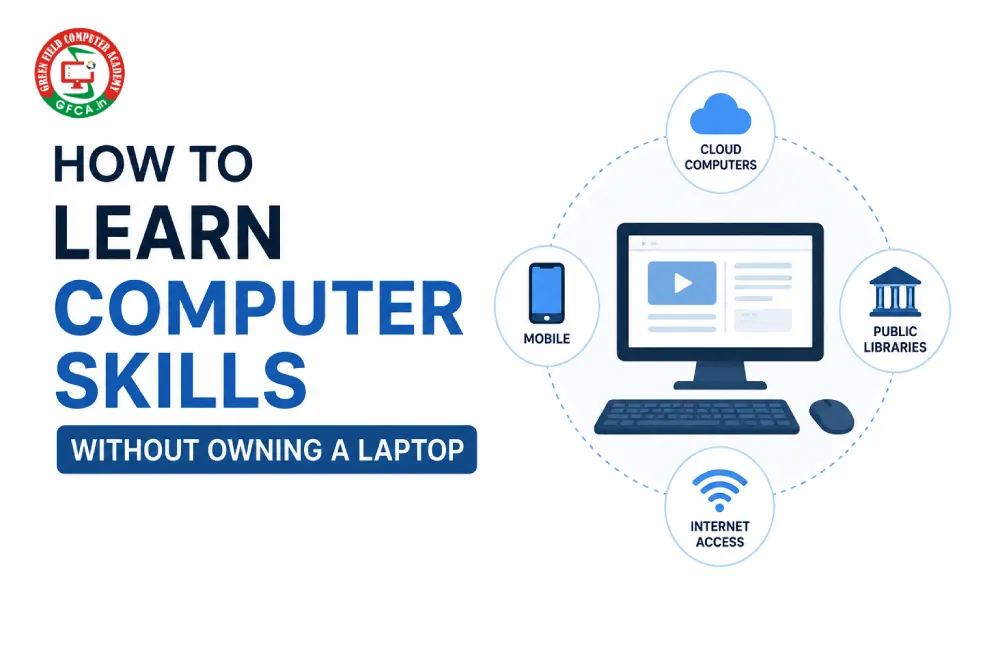
A Practical Guide for Beginners in India | May 2026
In today’s digital world, computer skills are no longer optional — they are essential. Whether you want a government job, a private office role, or simply want to stay relevant in a competitive market, knowing how to use a computer can open doors you never imagined. But what if you don’t own a laptop? What if buying one right now is out of reach?
The good news is: you don’t need to wait. Thousands of people across India have built strong computer skills without owning a personal device. In this blog, we will walk you through six proven strategies that can help you start learning today — starting right from your mobile phone.
1. Start Learning on Your Mobile Phone
Your smartphone is a powerful learning tool. Before you ever sit at a computer, you can build a solid theoretical foundation using apps and YouTube videos. This approach is especially effective for computer fundamentals, MS Word and Excel tutorials, typing practice, and internet and email basics.
Start by searching on YouTube for “Computer basics for beginners” or “Excel for beginners.” These free videos are taught in Hindi and English, making them accessible to learners across India. When your theory is strong, the practical side becomes much easier to pick up.
Typing practice apps like “Learn Typing” or “Keybr” can even help you build muscle memory on a touchscreen keyboard, which transfers surprisingly well when you move to a physical keyboard later.
2. Join a Near by Computer Institute

If you are serious about learning, joining a local computer institute is one of the best decisions you can make. You get daily access to computers, a teacher to guide you, real exam experience, and a certificate that employers recognize. All of this — without needing a laptop of your own.
- Basic Computer Course (BCC)
- MS Office (Word, Excel, PowerPoint)
- Advanced Excel and Data Entry
- Tally for Accounting
Courses typically cost between ₹500 and ₹3,000 for 1–3 months, and most institutes in small towns and cities offer flexible timings. The certificate you earn can directly support your job applications for roles like Data Entry Operator or Office Assistant.
3. Use a Cyber Café for Hands-On Practice
Cannot afford an institute right now? A cyber café is your next best option. At just ₹20–40 per hour, you can get real computer practice 2–3 times a week. That adds up to 8–12 hours of practice per month — more than enough to build solid skills over time.
Here is a simple plan to make the most of each session:
- Practice typing documents in MS Word
- Work with Excel formulas like SUM, AVERAGE, and VLOOKUP
- Set up and manage email accounts
- Create and format your own resume
Prepare on your phone before each session so you don’t waste a single minute. The cyber café is where you apply what you have already studied.
4. Complete Free Online Courses
The internet is full of free, high-quality courses that you can complete entirely on your mobile phone. Platforms like Google Digital Garage, Microsoft Learn, NIELIT, and YouTube offer structured lessons in computer basics, MS Office, and digital literacy — all at no cost.
A smart strategy: make detailed notes on your phone as you go through each lesson. Then, when you visit a cyber café or borrow a laptop, use those notes to guide your practice session. This two-step approach — learn on phone, apply on computer — makes every rupee and minute count.
5. Borrow a Laptop When You Can
Do not underestimate the value of occasional access. Borrowing a friend’s or cousin’s laptop for even one or two days a week can make a significant difference. Public libraries in many cities also offer free computer access during fixed hours.
When you do have access to a computer, focus on the tasks that are hardest to simulate on a phone: formatting documents, working with spreadsheet data, and practising keyboard shortcuts. Consistency matters more than quantity — even limited but regular practice builds real skills.
6. Focus on Job-Ready Skills From Day One
Do not wait until you have the “perfect setup” to start preparing for work. Employers hiring for entry-level office roles care about four core skills above all else:
- Typing speed (30+ words per minute is a common benchmark)
- MS Excel (data entry, basic formulas, sorting and filtering)
- MS Word (formatting documents, creating letters and reports)
- Email and Internet (sending professional emails, online forms, searching)
These four skills can directly help you qualify for roles like Office Assistant, Data Entry Operator, Back Office Executive, and Computer Operator. Many of these jobs pay ₹10,000–20,000 per month to start — and they are available across small towns and large cities alike.
Your Journey Starts Today
Not having a laptop is a temporary obstacle, not a permanent barrier. Every expert you admire once started with nothing but a willingness to learn. With a mobile phone, a nearby cyber café, or a free online course, you already have enough to take your first step.
Stop waiting for the right moment or the right device. Start today with what you have. Build your skills one day at a time. When the laptop comes — and it will — you will already be ahead of those who were waiting for it.
“Your skills are your greatest asset. No one can take them away from you.”